🌸 Spring Sale — 30% OFF with code SPRING2026 · Ends April 30 Get it now →
TinyPress icon

TinyPress

Compress images.
Keep quality.

Drag and drop your images. Get WebP, AVIF, JPEG, PNG, or HEIC — up to 97% smaller. Right on your Mac. No upload required.

1

Drop

Drag images or folders into the window

2

Pick

Choose format & quality

3

Press

Hit convert. Done.

See It in Action

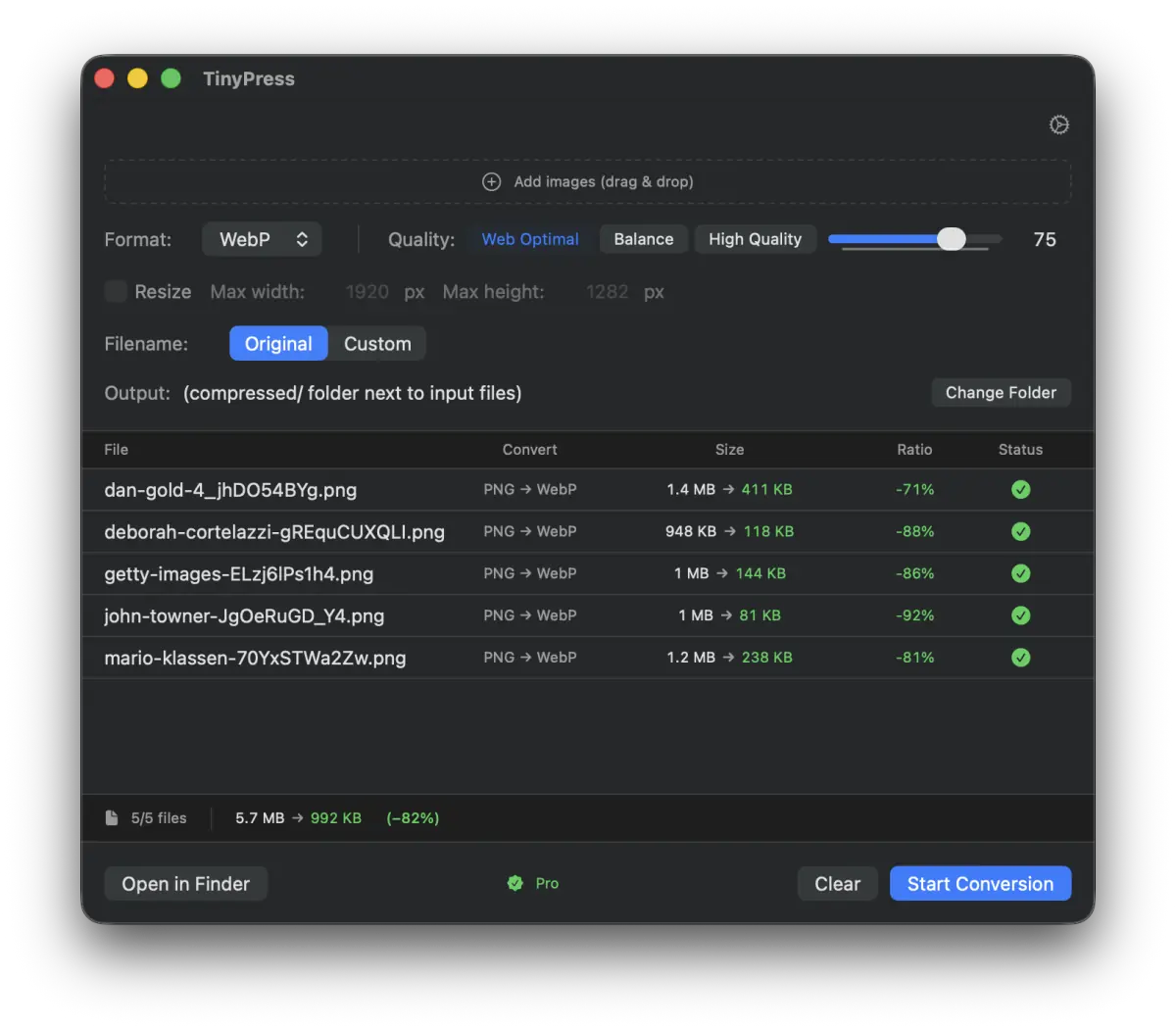
TinyPress — compression results
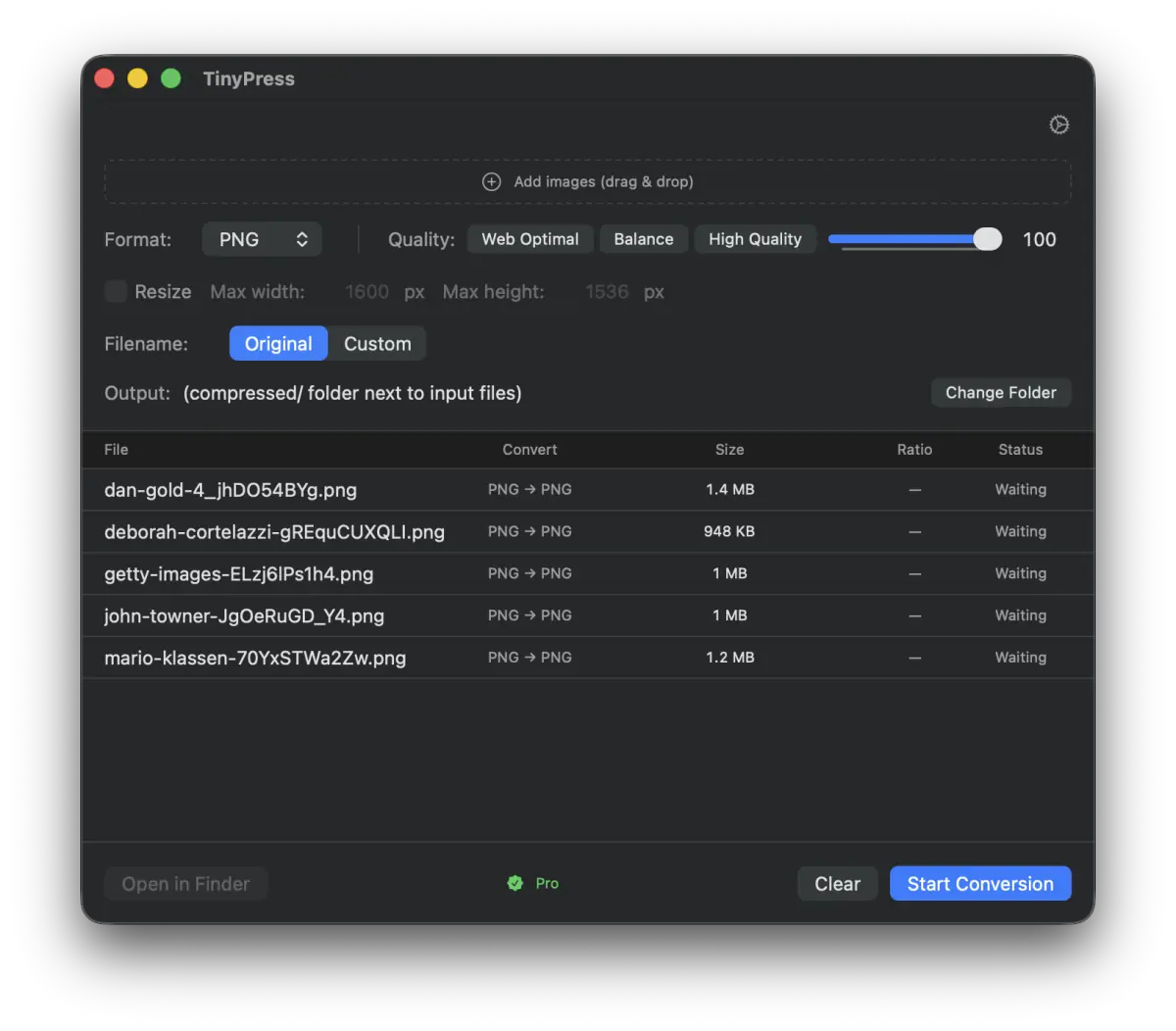
Add images

Add images

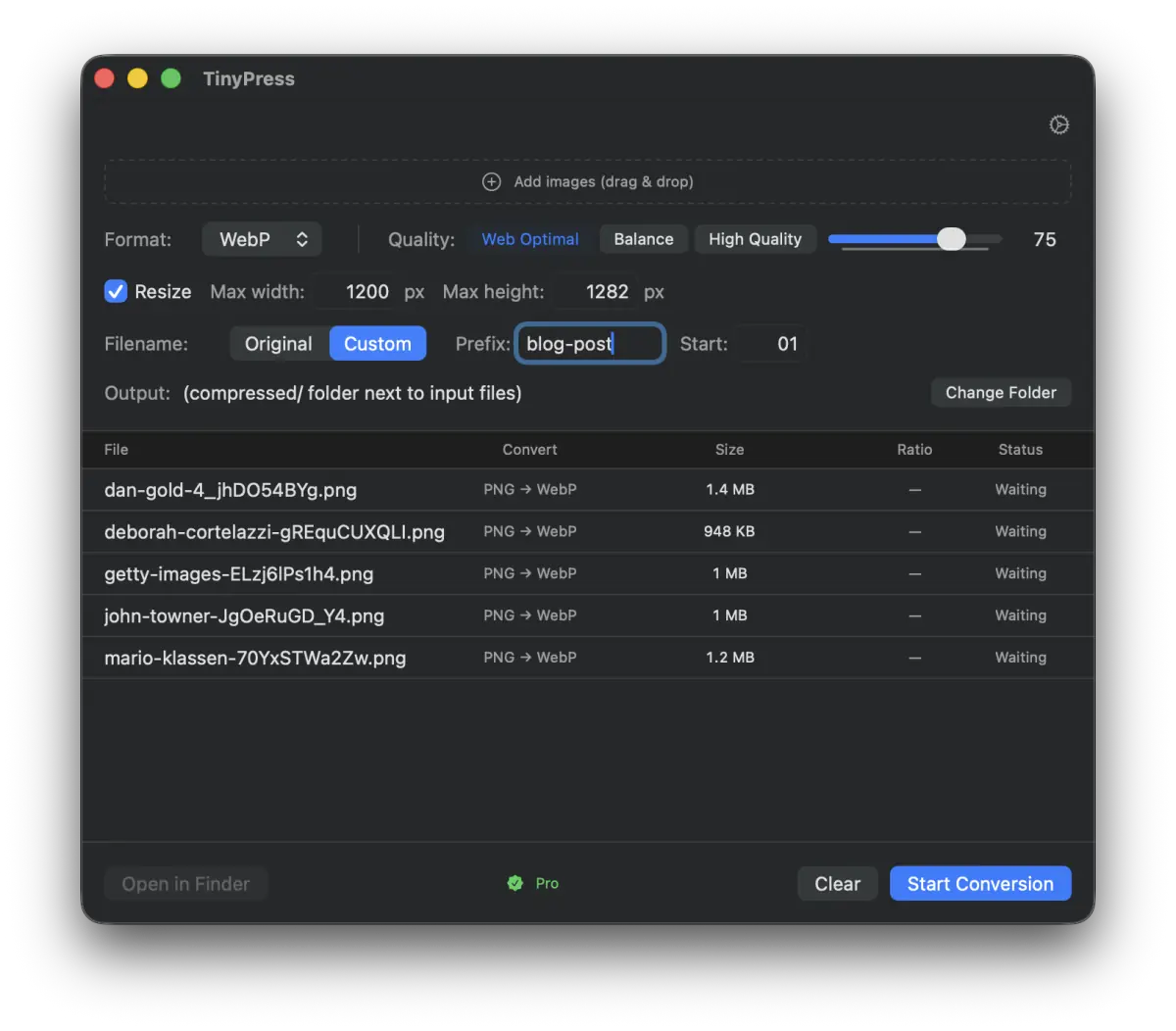
Resize and rename settings

Resize + Rename

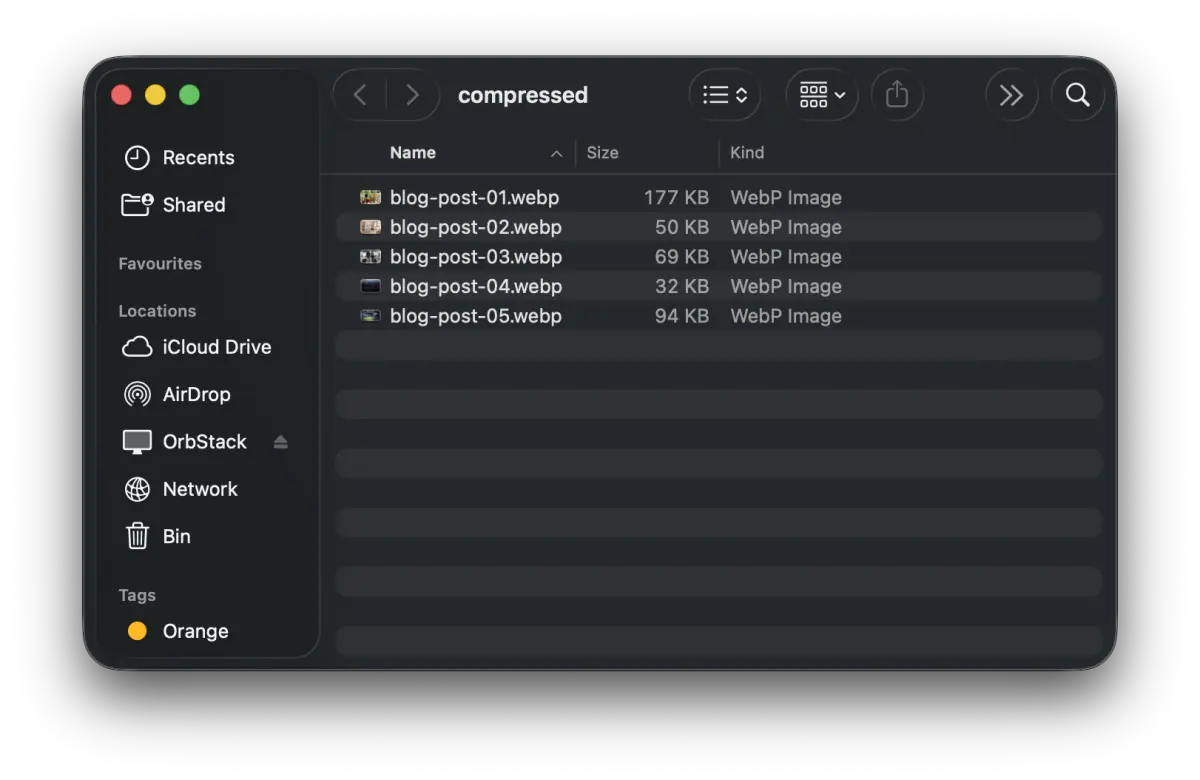
Output files in Finder

Organized output

Why TinyPress

Drag & Drop

Drop files or entire folders. No menus, no export dialogs. Just drag and go.

5 Output Formats

Convert to WebP, AVIF, JPEG, PNG, or HEIC. Pick the one your project needs.

Parallel Processing

Converts multiple images simultaneously using all your CPU cores.

Built-in Resize

Set max width or height. Aspect ratio is always preserved. No extra tools needed.

100% Offline

Your images never leave your Mac. No cloud uploads, no waiting, no privacy concerns.

Quality Presets

Web Optimal, Balance, or High Quality — or fine-tune with the slider (0–100).

Auto Rename

Batch rename with prefix + sequential numbers. Perfect for blog posts and tutorials.

Serious Compression

-97%
PNG → WebP
986 KB → 21 KB
-94%
PNG → JPEG
962 KB → 56 KB
-92%
HEIC → WebP
25.1 MB → 1.9 MB
-97%
PNG → AVIF
986 KB → 31 KB
-71%
PNG → PNG
999 KB → 282 KB

How It Compares

TinyPress TinyPNG ImageOptim Squash
Works offline
WebP output
AVIF output
HEIC input
Built-in resize
Batch processing 20/batch
One-time purchase (subscription) (subscription)
Price $9.99 once $39/year Free $29.99/year

Simple Pricing

Free

$0
forever
  • 10 images per day
  • All formats (WebP, AVIF, JPEG, PNG, HEIC)
  • Drag & drop
  • Resize
Download

Get TinyPress

Download the app. Drop your images. See the difference.

Download TinyPress Free

Requires macOS 14 (Sonoma) or later. Apple Silicon & Intel supported.